Close
Aikai

for product & digital journeys

Turn user frustration into what you build next.

Listen when customers get stuck with a device or its app. Find the problems they keep running into and give your product team a clear fix to test.

Follow the product journey

One voice note. Three ways to act.

How a blinking light on a smart air purifier revealed a gap between the device and its app.

Setting up a smart air purifier

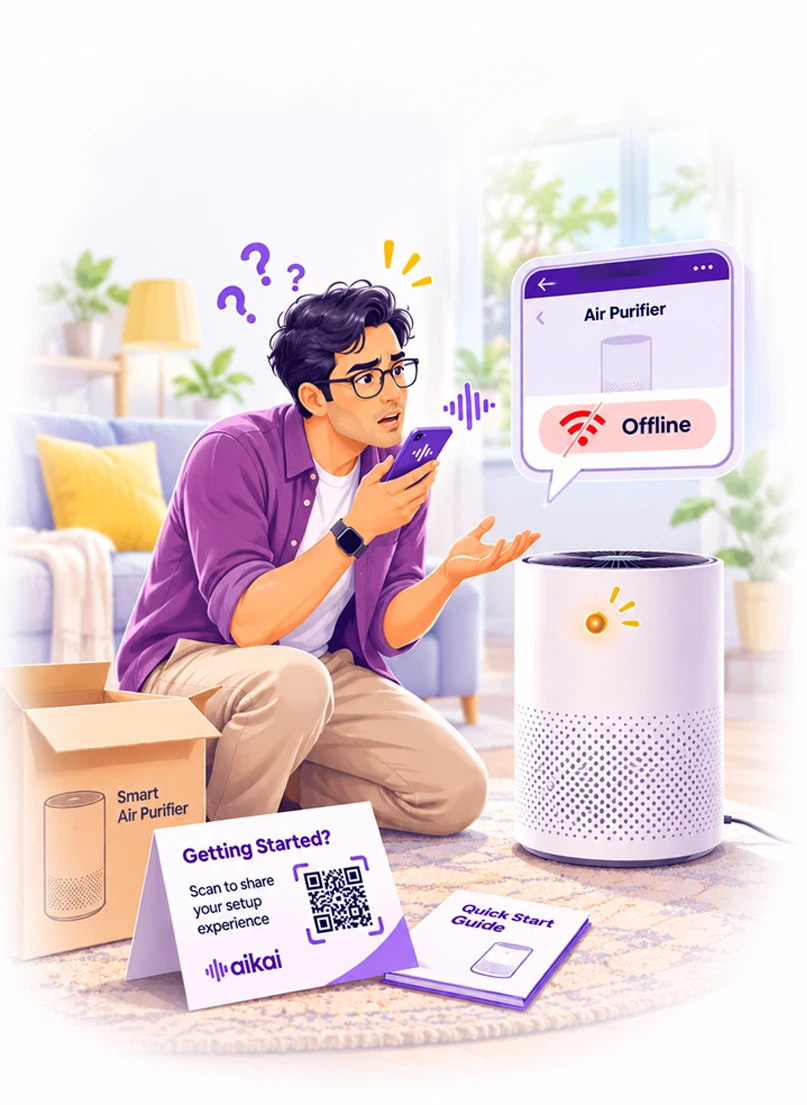
“The purifier is running, but the light keeps blinking and the app says it’s offline. Did I set it up wrong?”
  1. Help the user finish

    The customer scans a QR code on the quick-start card and leaves a voice note. If they ask for a reply, support explains what the light means and guides them through pairing.
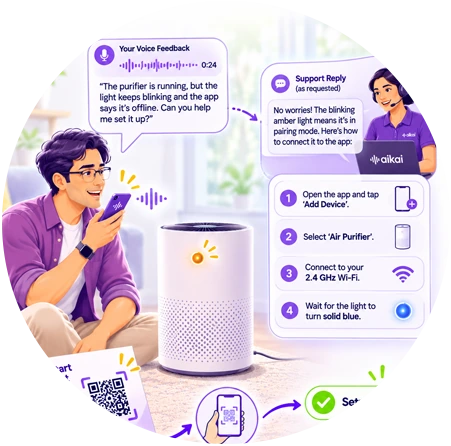
  2. Find the pattern

    Aikai groups similar notes about the blinking light and the app’s offline message. The team listens back and spots the confusion: the purifier is running, but Wi-Fi pairing is incomplete.

  3. Make the status clear

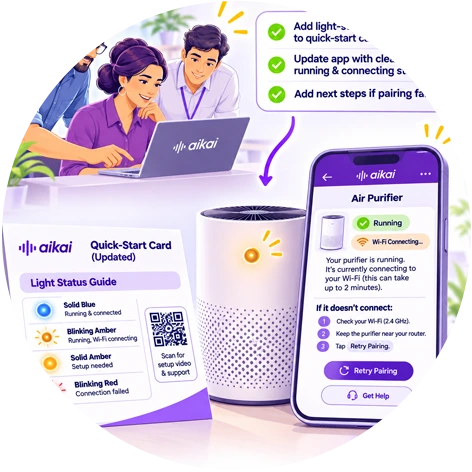
    The team adds a light-status guide to the quick-start card and updates the app to explain that the purifier is running while Wi-Fi is still connecting. If pairing fails, the app gives the customer a next step.
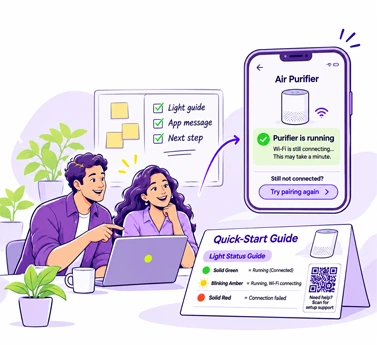
From unboxing to the next release.

Three moments to listen across the device and its app.

  1. Unboxing

    Listen at first use

    Add a feedback QR code to the quick-start card so customers can share what’s unclear while the device is in front of them.

  2. In the app

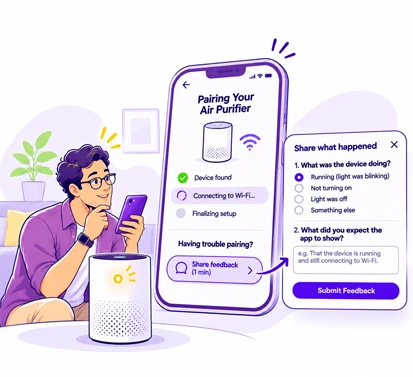
    Capture the pairing problem

    Offer a feedback link on the pairing screen. Ask what the device was doing and what the customer expected the app to show.

  3. After release

    Check whether the fix helped

    Compare the pairing completion rate and the number of repeat setup reports before and after the update. Let customers who asked for updates know what changed.